Can You Print Photos on T-Shirts?
Yes. Photos can be printed on T-shirts using methods such as DTF, DTG and sublimation, depending on the shirt fabric, colour, print area and quantity. For a sharp result, the original photo should be clear, high-resolution and free from heavy compression or blur.
What is the best way to print a photo on a T-shirt?
DTF is a practical option for full-colour photo printing on many cotton, polyester and blended shirts, including dark colours. DTG works especially well on suitable cotton garments, while sublimation is ideal for polyester and light-coloured performance shirts. The final quality depends heavily on the source image, so use the highest-resolution file available and avoid enlarging a small image far beyond its original size.
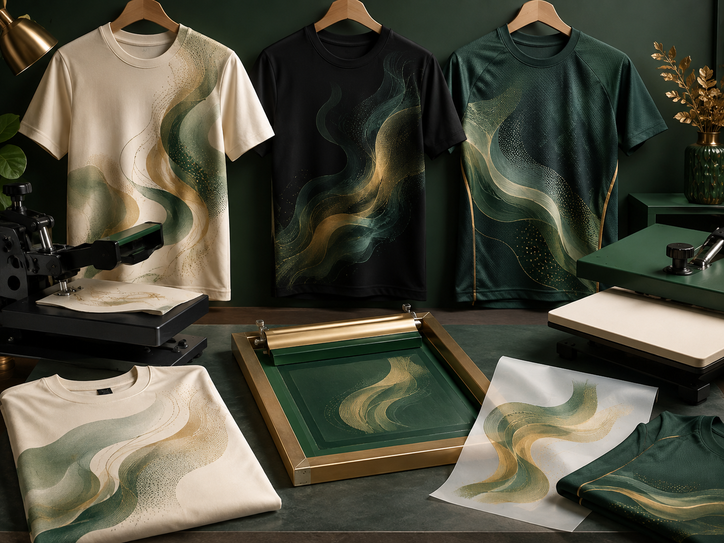
Best Printing Methods for Photo T-Shirts
Photo printing needs a method that can reproduce many colours, gradients and fine detail. The best choice depends on the shirt material and colour.
| Printing method | Best for | Photo quality | Main limitation |
|---|---|---|---|
| DTF printing | Cotton, polyester and blends; light or dark shirts. | Very good for full-colour photos, gradients and detailed artwork. | Large solid print areas can feel more noticeable on the fabric. |
| DTG printing | Mostly cotton or cotton-rich garments. | Very good for detailed photographic images and soft colour transitions. | Performance varies by garment composition and pretreatment. |
| Sublimation | Light-coloured polyester shirts and jerseys. | Excellent detail with no raised print layer. | Not suitable for normal dark cotton shirts. |
| Silkscreen | Large quantities with simplified colour artwork. | Possible with specialised processes, but less straightforward for complex photos. | Photo-realistic work can require many screens and higher setup complexity. |
| Heat-transfer paper | Small personal projects and simple short runs. | Can reproduce photos reasonably well. | Durability and finish vary significantly by paper and application quality. |
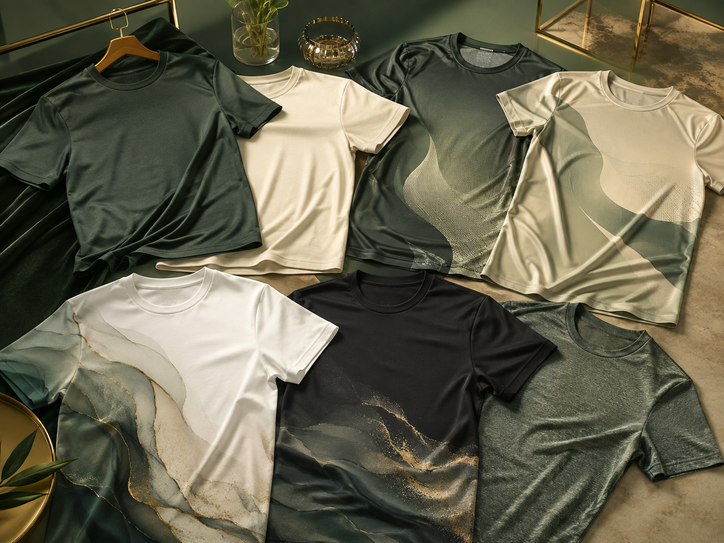
Which T-Shirts Work Best for Photo Printing?
The shirt itself affects how the photo looks. Fabric texture, colour and surface smoothness can influence detail, contrast and print feel.
Strong choice for DTF and DTG
Smooth cotton surfaces can reproduce photographic detail well. White and light colours also make bright image tones easier to reproduce.
Good for DTF or sublimation
Polyester is ideal for performance wear. Use sublimation on suitable light-coloured garments or DTF when printing on dark or mixed-colour shirts.
Flexible for mixed-use apparel
DTF is often practical for blended shirts because it does not rely on the fabric being 100% cotton or 100% polyester.
Best for bright photographic colour
A white background helps preserve highlights and natural colour without the shirt colour influencing the image.
Need an opaque print base
DTF and DTG can reproduce photos on black shirts by using an underbase, but the final feel may be more noticeable than printing directly into light polyester by sublimation.
Fine detail may appear less smooth
Pique or strongly textured surfaces can affect very fine photographic detail. A smoother fabric is usually better when the image contains small facial features or detailed backgrounds.
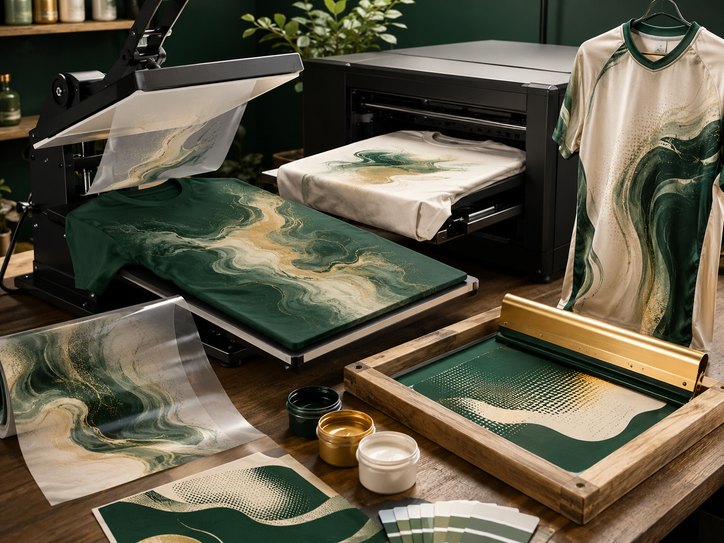
How Photo Printing Methods Compare
Each method handles detail, colour and fabric differently. For photographic artwork, full-colour processes are usually more practical than traditional spot-colour printing.
| Method | Dark shirts | Polyester | Large photo detail | Best use |
|---|---|---|---|---|
| DTF | Yes | Yes | Very good | Versatile full-colour photo printing across many shirt types. |
| DTG | Yes, with suitable pretreatment | Limited compared with cotton | Very good | Photo-realistic printing on suitable cotton garments. |
| Sublimation | No for normal dark garments | Excellent | Excellent | Sports jerseys, event tees and performance shirts. |
| Silkscreen | Yes | Yes | Possible but complex | High-volume jobs when artwork can be simplified. |
Best all-round flexibility
DTF can reproduce full-colour portraits, gradients and detailed backgrounds on many shirt colours and materials.
Best for polyester sportswear
The image becomes part of the polyester fibre, producing a smooth result without a raised transfer layer.
Best for suitable cotton tees
DTG can give soft, detailed photographic results when the garment and pretreatment are appropriate.
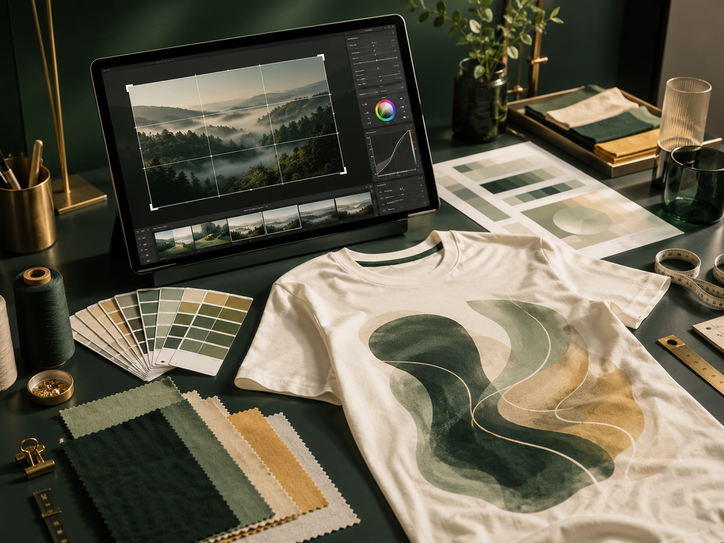
What Makes a Photo Print Look Good?
Printing quality starts with the image file. A professional printer cannot restore detail that was never present in a tiny or heavily compressed photo.
Photo T-Shirt Printing Mistakes to Avoid
Using a screenshot instead of the original photo
Screenshots are often lower quality and may include compression that becomes visible when printed large.
Enlarging a tiny image
Upscaling cannot fully recreate missing detail, so low-resolution images may look soft or pixelated.
Ignoring the shirt colour
A photo prepared for a white shirt may need different artwork treatment for a black or dark-coloured shirt.
Choosing a rough-textured fabric
Heavy texture can reduce fine detail compared with a smoother T-shirt surface.
Expecting screen colours to match perfectly
Monitors emit light while printed garments reflect light, so some colour difference is normal.
Making the design too large
Very large solid print areas can feel heavier on the shirt depending on the printing method.
How to Prepare a Photo for T-Shirt Printing
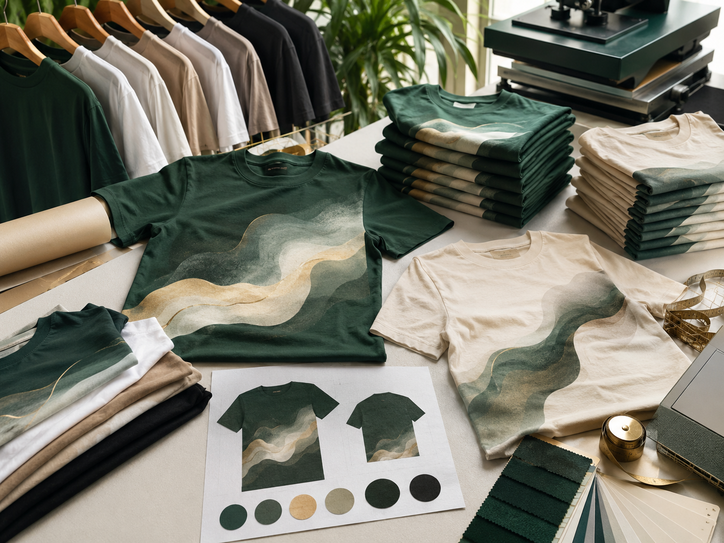
A clear source image and a defined print size make it easier to produce a clean result.
Choose the best original photo
Use the original camera file or highest-resolution version rather than a screenshot or compressed copy.
Decide the shirt colour
White, light and dark shirts may need different artwork preparation or printing methods.
Choose the print size
Confirm whether the image is a small chest print, medium front print or large full-front design.
Clean up the artwork
Crop unnecessary areas, remove an unwanted background and correct obvious image issues if needed.
Select the printing method
Choose DTF, DTG, sublimation or another method based on fabric, colour, quantity and desired finish.
Approve the final layout
Check placement, size and orientation before production begins.
Common Photo T-Shirt Printing Situations
Portrait or group photo
DTF is practical for short runs on cotton or blended tees, especially when different shirt colours are needed.
Portrait with name and dates
Use the highest-resolution portrait available and keep text separate enough from the image to remain readable.
Photo on a quick-dry shirt
Sublimation works well on light polyester, while DTF provides more flexibility for dark or mixed-colour sports shirts.
Full-colour promotional image
Choose a print method based on quantity, garment fabric and how much of the shirt the photo will cover.
Before Printing a Photo on a T-Shirt
Use this checklist to reduce quality problems before production starts.
- Use the original high-resolution photo.
- Avoid screenshots and social-media thumbnails.
- Check whether the image is sharp at the intended print size.
- Choose the shirt fabric before selecting the printing method.
- Confirm whether the shirt is light or dark.
- Decide the final print dimensions.
- Remove unwanted backgrounds if needed.
- Check facial detail and important image areas.
- Allow for normal screen-to-print colour differences.
- Consider how a large print will feel on the shirt.
- Approve placement before production.
- Follow the finished garment's washing instructions.
Photo T-Shirt Printing FAQ
Can any photo be printed on a T-shirt?
What file type is best for photo printing?
Can you print a photo on a black T-shirt?
Can you print photos on quick-dry shirts?
Will a low-resolution photo look blurry?
Is DTF good for photo printing?
Is sublimation better for photo printing?
How big can a photo be printed?
Choose the Right Shirt and Printing Method
Uniform Sabah can help you compare DTF, sublimation and other printing options for photo T-shirts, events, company campaigns, sports teams and personalised apparel.
More T-Shirt Printing Resources
Continue with related Uniform Sabah pages for custom apparel, branding and printing options.
Our Other Company Websites
Explore related uniform, apparel and custom-printing services through our regional and international websites.