How to Collect Student Shirt Sizes
Reduce size exchanges and ordering mistakes by using one approved size chart, fitting samples, a clear collection form and a final class-by-class review.
Direct answer
What Is the Best Way to Collect Sizes?
The most reliable method is to provide the actual supplier size chart, arrange fitting samples where possible and collect each student's chosen size through one standard form. The school should then check missing entries, unusual sizes and duplicate names before confirming the final order.
Use One Size Chart
Share the exact chart for the selected shirt model instead of mixing several supplier measurements.
Offer Sample Fitting
Let students compare the actual shirt against their preferred fit whenever the order quantity allows.
Review Before Ordering
Check the class list, names, quantities, sizes and special requirements before production begins.
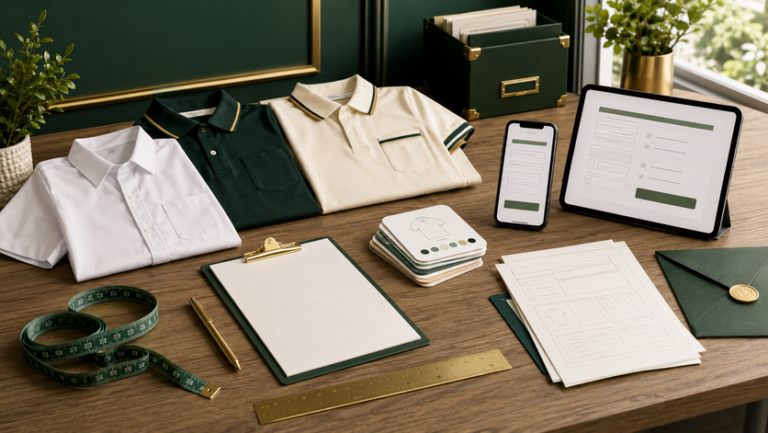
Quick comparison
Compare Size Collection Methods
Schools can combine more than one method depending on the number of students, available time, age group and whether fitting samples are available.
| Collection method | Best for | Main advantage | Main limitation |
|---|---|---|---|
| Physical sample fitting | Large school events, teams and club orders | Students can confirm their preferred fit directly | Requires samples, supervision and a fixed fitting schedule |
| Printed size chart form | Class-based collection | Simple for teachers to distribute and collect | Handwritten entries may be unclear or incomplete |
| Google Form or online form | Secondary schools and parent-managed orders | Easy to sort, filter and total sizes | Students may select without checking the measurements |
| Parent confirmation slip | Younger students | Allows parents to review the measurements | Returns may be late or missing |
| Existing shirt comparison | Students unable to attend fitting | Uses a shirt that already fits comfortably | The comparison shirt may have a different cutting |
| Teacher estimate | Emergency backup only | Fast when a response is missing | High risk of incorrect sizing |
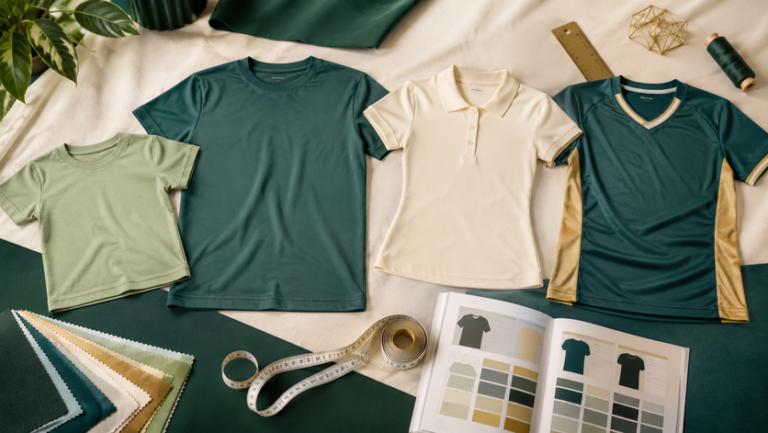
Shirt and sizing options
Match the Size Process to the Shirt Type
Different garments may use different cuttings. Confirm whether the order uses youth sizes, adult unisex sizes, female cutting or a combination before collecting student selections.
For Primary School Students
Younger students may need parent assistance, especially when the supplier uses measurements rather than age labels.
- Provide chest width and shirt length measurements.
- Explain whether measurements are taken flat.
- Allow room for comfortable movement.
For Secondary Students and Mixed Teams
Adult unisex sizes are common for school events, but smaller students may need youth or extra-small options.
- Confirm the smallest and largest available sizes.
- Do not assume every student fits the same age range.
- Check length as well as chest width.
Offer Only When Properly Managed
Female-cut shirts may have different measurements and should use a separate size chart from the unisex model.
- Label the cutting clearly on the order form.
- Keep female-cut and unisex totals separate.
- Provide fitting samples when possible.
Plan for Movement and Layering
Team jerseys should allow comfortable movement. Goalkeepers, coaches or students wearing inner layers may need different sizing.
- Check shoulder, chest and body length.
- Confirm whether the design uses a fitted cutting.
- Record personalised names only after size approval.
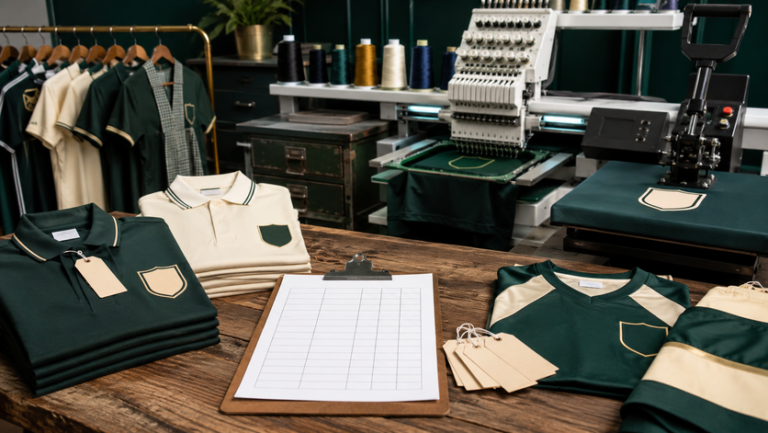
Printing and personalisation
Confirm Sizes Before Adding Individual Details
Printing and branding choices can affect how easily a school handles size changes. Standard event artwork is usually simpler to exchange than individually named or numbered garments.
More Flexible for Size Exchanges
When every shirt uses the same artwork, an unused piece may be exchanged more easily if the school keeps spare sizes.
- Use the same front and back design.
- Keep a small quantity of common spare sizes.
- Label class packs clearly before distribution.
Require Final Size Approval
A shirt printed with a student's name becomes harder to reassign, so the size and spelling should be confirmed together.
- Check the student's preferred name spelling.
- Lock the size before personalisation begins.
- Review the final name-and-size list carefully.
Prevent Duplicate Assignments
Sports orders should link each student's name, size and jersey number in one master sheet.
- Check for repeated jersey numbers.
- Keep team and reserve-player lists separate.
- Confirm goalkeeper or coach shirt differences.
Check Garment Cutting First
Embroidered polo shirts may use a more structured fit, so fitting samples can be useful for prefects, student leaders and teacher teams.
- Confirm chest width and shirt length.
- Review the size range before collecting forms.
- Separate teacher and student orders when needed.
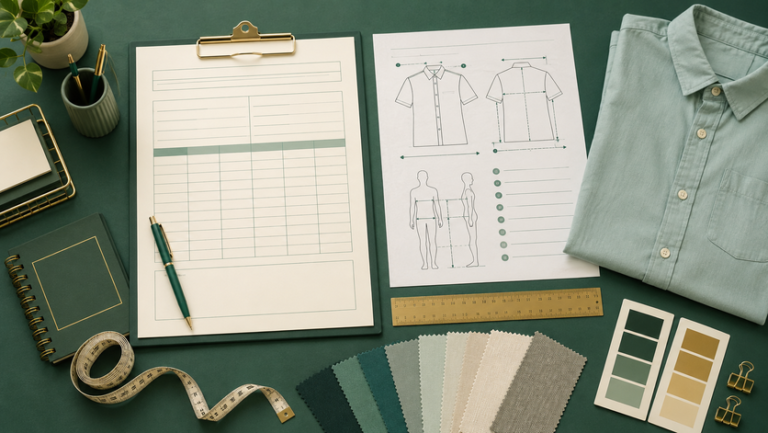
Measurement and form design
Create a Clear Student Size Form
The form should make it easy for students, parents and teachers to understand which garment is being ordered and how the size should be selected.
Missing Student Details
A size without a full name, class or student number can be difficult to match during packing.
Unclear Measurements
State whether chest width is measured across a flat garment or around the body.
Late Responses
Set a clear closing date and assign one teacher or committee member to follow up on missing entries.
Recommended Form Fields
- Student's full name
- Class, form or team
- Student number where applicable
- Selected shirt model or cutting
- Confirmed size
- Name or number for personalisation
- Parent confirmation for younger students
- Date submitted
Simple Measurement Instructions
Ask students to lay a comfortable shirt flat, measure across the chest from armpit to armpit and measure the shirt length from the highest shoulder point to the hem. They can then compare those measurements with the approved size chart.
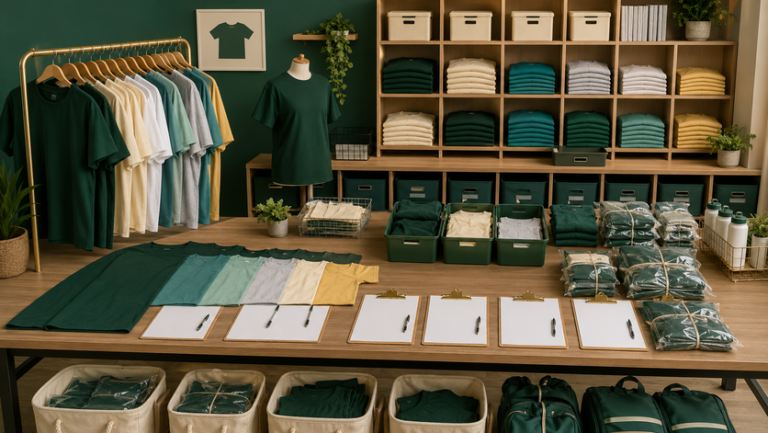
Collection process
How to Collect and Confirm Every Size
Confirm the Exact Shirt Model
Select the garment, cutting, colour and available size range before sharing any chart with students.
Prepare Samples or Measurement Guidance
Arrange fitting samples where possible. Otherwise, provide clear flat-garment measurement instructions.
Collect Sizes Through One Form
Avoid receiving separate messages through multiple channels. Use one standard form for every class, team or club.
Follow Up on Missing or Unusual Entries
Check blank sizes, repeated names, unusually small or large selections and students who submitted more than once.
Total the Quantity by Size
Prepare a final summary showing the total for every size, plus any teacher, coach or spare pieces.
Lock the Final List
Set a clear approval date and stop accepting changes once artwork, personalisation and production have started.
School scenarios
Size Collection Examples
Parent Confirmation
Send the size chart and measurement guide to parents, then ask the class teacher to check missing forms before the deadline.
Sample Fitting Session
Place sample shirts in a supervised room and record each student's confirmed size immediately after fitting.
Name, Number and Size Sheet
Keep the player's full name, jersey name, number, size and position in one approved master list.
Class-by-Class Collection
Assign one teacher or class representative to collect and verify sizes before sending a combined school summary.
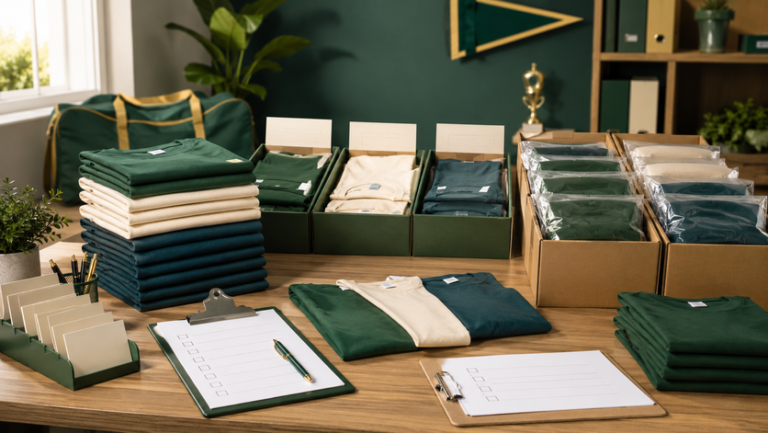
Final checklist
Student Shirt Size Collection Checklist
- The exact shirt model and cutting are confirmed.
- Only one approved size chart is being used.
- Students have access to samples or clear measurement instructions.
- The form includes the student's full name and class.
- Personalised names and numbers are recorded in the same sheet.
- Missing and duplicate responses have been checked.
- Teacher, coach and spare sizes are listed separately.
- The total quantity for every size is calculated.
- The final list has been approved before production.
- Class-by-class packing information is prepared.
Common Size Collection Mistakes
- Asking students to choose based only on age.
- Using a size chart from a different shirt model.
- Mixing youth, unisex and female-cut sizes in one column.
- Accepting size changes through several chat groups.
- Starting personalisation before the list is final.
- Ordering without checking missing students.
Frequently asked questions
Questions About Student Shirt Sizes
Useful Uniform Sabah resources
Continue Planning Your School Shirt Order
Plan Your Student Shirt Size Collection
Share the student quantity, age group, preferred shirt model, size range, personalisation details and event deadline with Uniform Sabah. A clear size plan helps reduce mistakes before production.
WhatsApp Uniform Sabah Visit Uniform SabahOur network
Our Other Company Websites
Explore related uniform, printing and apparel services through our regional and international websites.